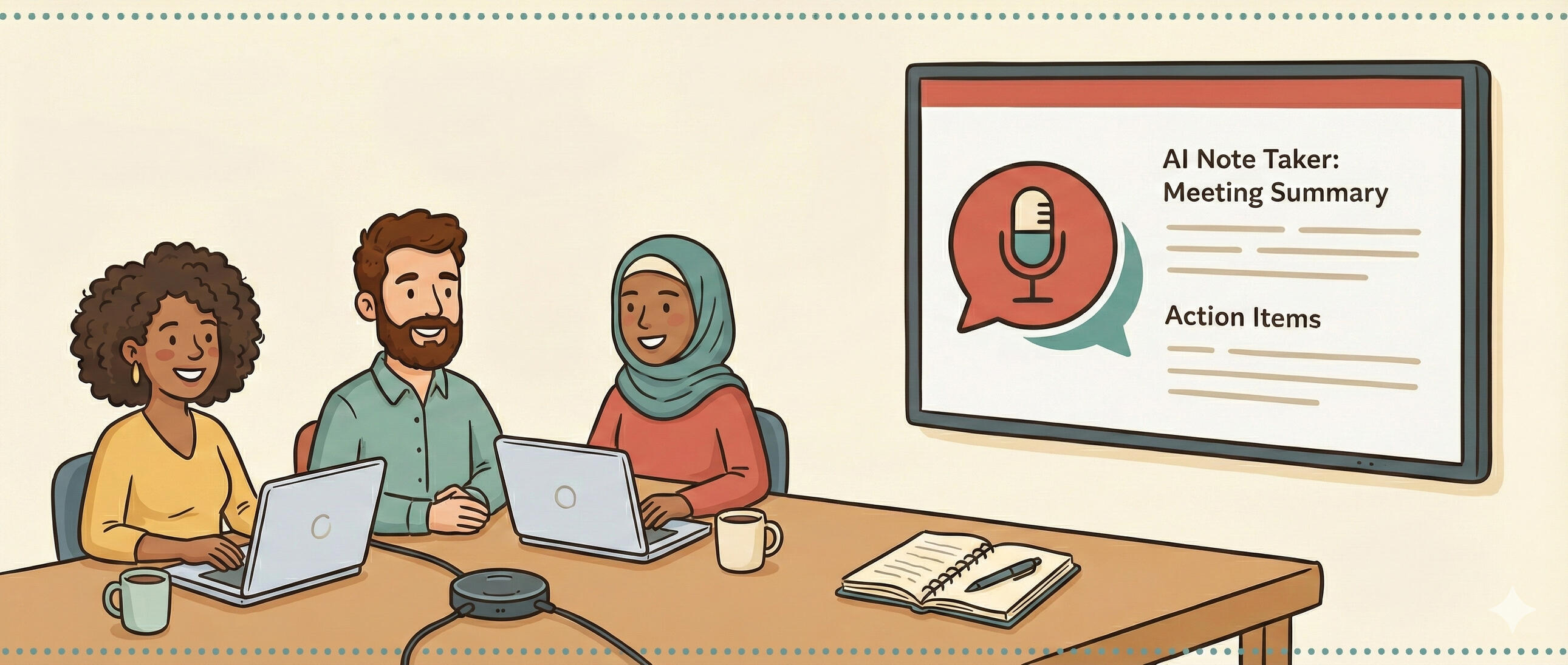
AI notetakers are one of the most impactful, low-effort tools you can add to your workflow today.
If you’re still manually taking notes during meetings — or worse, trying to remember what was discussed afterward — you’re leaving an enormous amount of value on the table.
What AI notetakers do
These tools join your video calls (Zoom, Google Meet, Teams), record the audio, transcribe it in real-time, and generate summaries with action items. The best ones can even identify speakers and tag key decisions.
Why this matters for nonprofits
Progressive organizations are meeting-heavy. Between coalition calls, donor check-ins, board meetings, and team stand-ups, a huge percentage of institutional knowledge lives in conversations that nobody documents properly.
An AI notetaker captures everything. No more “who was supposed to follow up on that?” No more conflicting recollections of what was agreed upon.
My recommendations
I’ve tested several and here are the ones I recommend most:
- Fathom — My personal favorite. Clean interface, excellent summaries, and a generous free tier. It integrates with popular CRMs and project management tools.
- Otter.ai — Great for teams that need shared workspaces for meeting notes. Strong search functionality across past meetings.
- Read.ai — Goes beyond notes with meeting analytics, helping you understand engagement levels and speaking time distribution.
Getting started
The setup is dead simple:
- Sign up for one of the tools above
- Connect your calendar
- The tool will automatically join your meetings
- After each meeting, you get a transcript, summary, and action items
That’s it. Five minutes of setup for months of better meetings.
The privacy conversation
I know, I know — “but what about privacy?” It’s a valid concern. Here’s how to handle it:
- Most tools announce themselves when joining a call
- Always inform participants that the meeting is being recorded
- Check your organization’s recording policies
- Many tools let you pause recording for sensitive discussions
The key is transparency. Let people know, give them the option, and move forward.
This post was originally published on Mission Control, my newsletter.